
Your AI assistant can now search Jobrowse. Meet the Jobrowse MCP server.
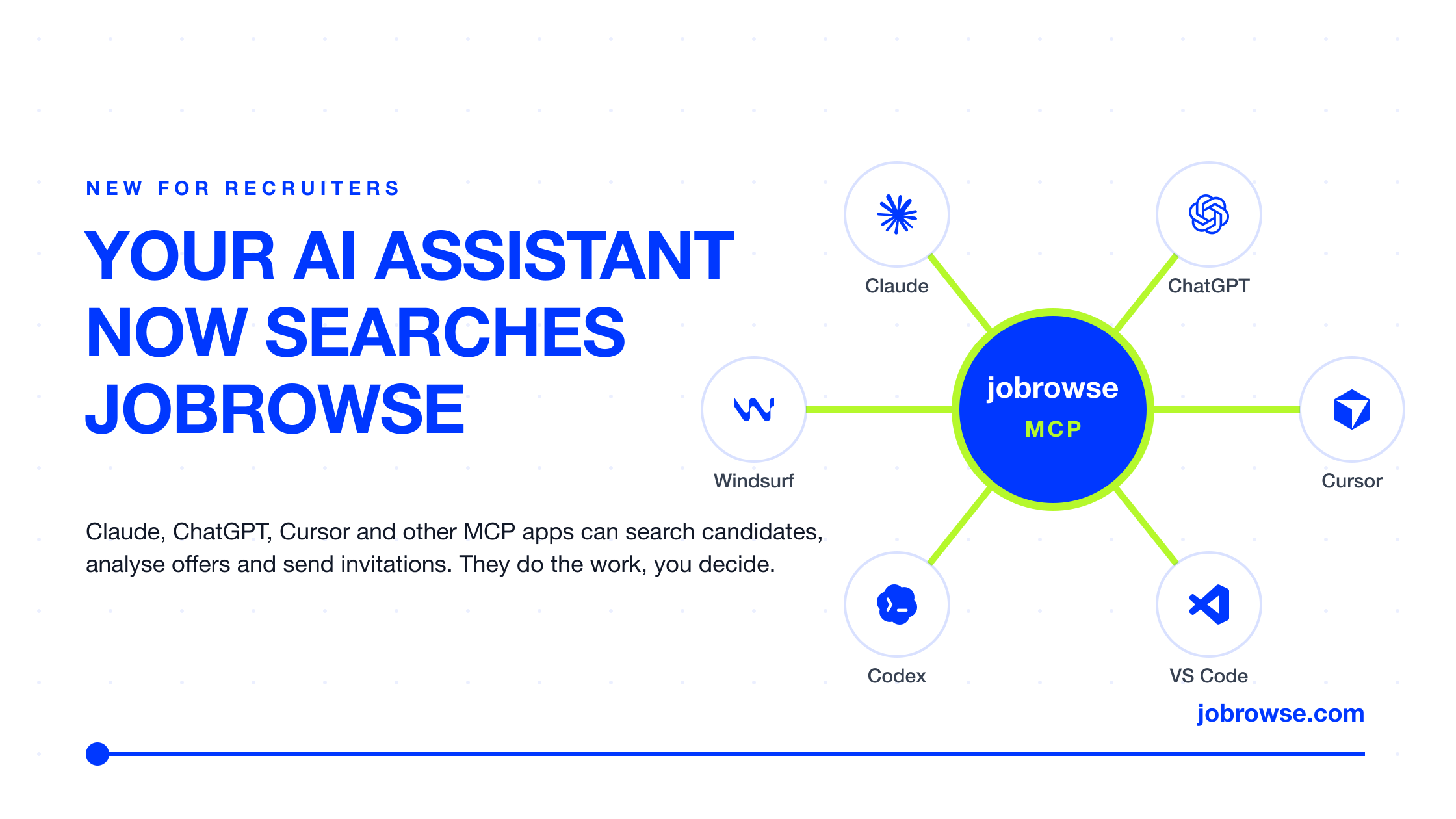
Your AI assistant can now search Jobrowse. Meet the Jobrowse MCP server.
If you recruit for a living, there is a good chance an AI assistant is open on your screen right now. Claude or ChatGPT, maybe both. You draft messages in it, you summarise calls in it, you plan your week in it. From today that assistant can also talk to Jobrowse directly: search anonymous candidate offers, read them, and send invitations on your behalf. You stay in charge of every decision.
We call it the Jobrowse MCP server, and it is live for every recruiter account.
Why we built it
Over the last year a quiet standard has emerged for how AI assistants connect to the tools people actually use. It is called the Model Context Protocol, MCP for short, and the simplest way to describe it is a USB-C port for AI. One plug, any app. Claude, ChatGPT, Microsoft 365 Copilot, Cursor, VS Code, Codex, Windsurf and a growing list of others all speak it.
We had a choice. We could build yet another "AI inside Jobrowse" feature and ask you to come to us. Or we could go where you already are. We chose the second.
There is a second reason, and it is a practical one. Every recruiter we talk to wants Jobrowse to fit into their existing workflow, and in the past that meant one thing: an ATS integration. We know very well that the ATS is still a central part of the recruitment process, which is why we offer those integrations as part of our work with clients. The MCP server adds something on top. With it, recruiters can tap into Jobrowse and AI automation to get most of what their current setup gives them, in literally a few clicks.
What your assistant can do
Once connected, your assistant has five abilities on Jobrowse:
→ Search candidates with the same hybrid search engine you use in the app. Skills, seniority, location and salary expectations, in one sentence.
→ Read offers in full: the candidate's own description, languages, availability and the Jobrowse Index.
→ Check your account: your plan, how many contacts you have left this month, your limits.
→ List your invitations and see which were accepted, rejected or are still pending.
→ Send invitations, with a personal message for each offer, after you confirm.
Everything it sees is exactly what you see in the search view. Candidates stay anonymous. Names, emails and files are never part of the deal, and identity is shared only by the candidate, in a conversation, the way it always was.
What a day with it looks like
This is the part I am most excited about, because it changes the rhythm of sourcing.
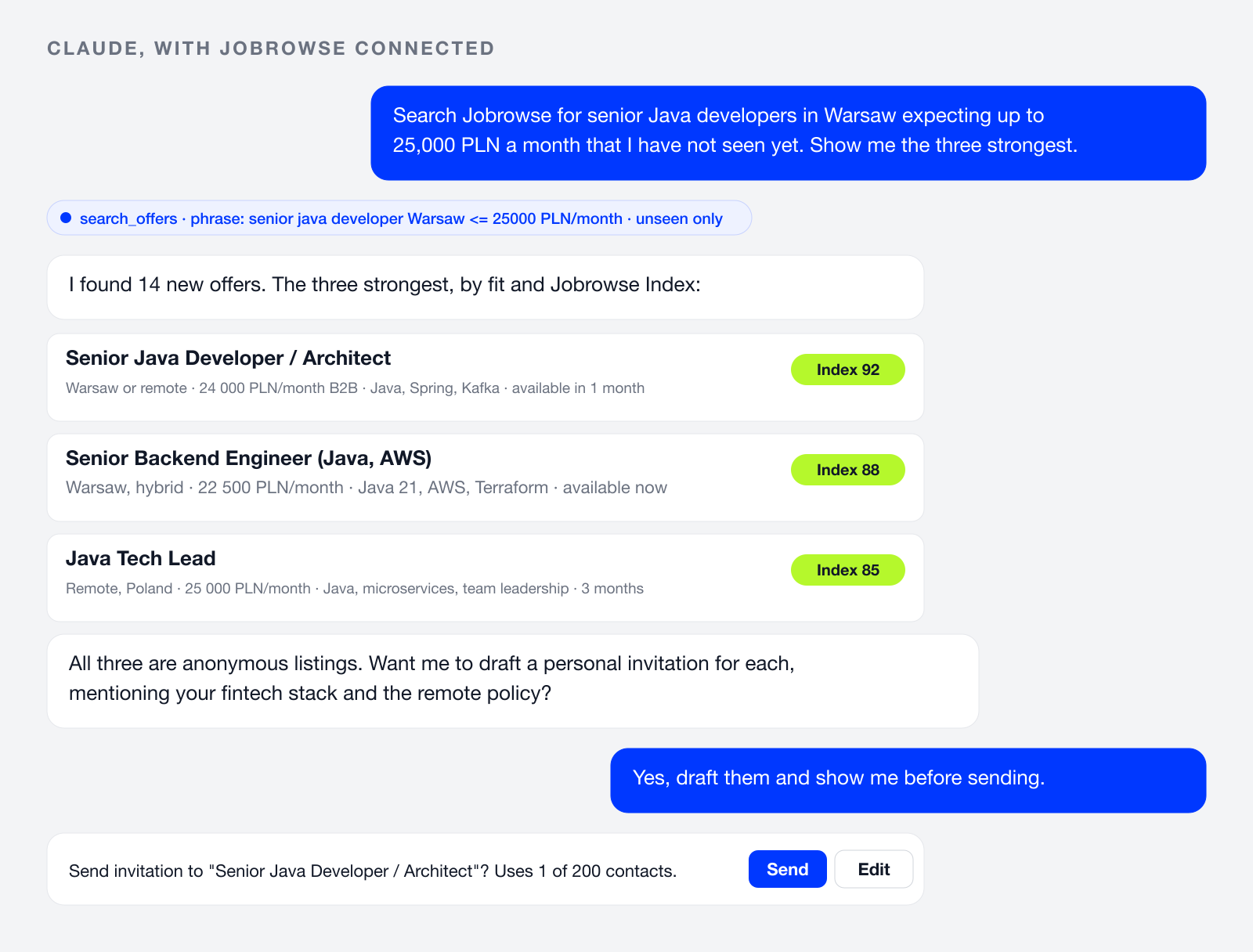
Morning check. "Search Jobrowse for senior Java developers in Warsaw expecting up to 25,000 PLN a month that I have not seen yet, and give me the five strongest with a one-line summary each." Thirty seconds, coffee still hot.
From job spec to shortlist. Paste the job description you received from a hiring manager. "Search Jobrowse with three different phrasings, remove duplicates, rank by fit and show me the top ten." Your assistant knows the grammar of our search, including salary and location, so it writes the queries you would have written, only faster.
Personal invitations at scale, without being impersonal. "Draft an invitation for each of these three offers. Mention our tech stack and the remote policy. Show me all three before sending." You read, you edit, you say go. Each one is sent from your account and counts toward your monthly contacts, like any other.
Routines. Most assistants can now run a task on a schedule. Ask yours to check every morning for new offers matching your open roles, or to summarise every Friday which invitations were accepted this week and how many contacts you have left. Jobrowse becomes a feed you no longer have to remember to open.
How to connect
Three steps, no developer needed:
- Open your profile settings and go to Connected apps. Copy the server address.
- In your AI app, add Jobrowse as a custom connector or MCP server and paste the address.
- Sign in to Jobrowse in the browser window that opens and approve the permissions.
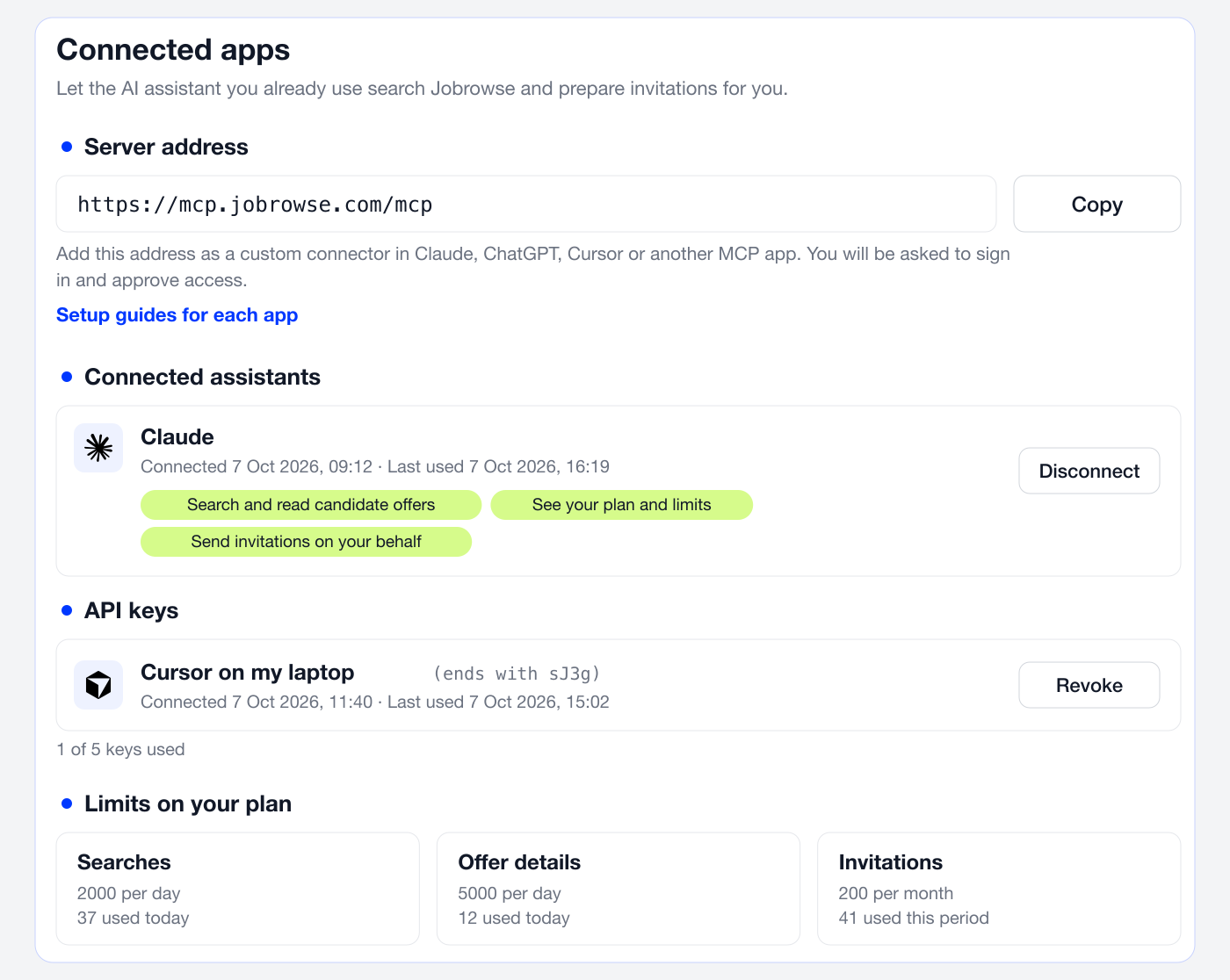
That is it. Claude, ChatGPT and most apps connect through the browser sign-in. Tools that cannot open a browser, such as command line agents, use an API key you create in the same place.
Step-by-step instructions for every app, the list of tools, and the limits per plan are on the new AI assistants page.
Free and Business plans
The integration is available on every recruiter plan. Business Free gets 30 searches a day and the first page of results, and invitations count toward the same 5 contacts a month you have in the app. Business plans get full results, higher limits and the full 200 contacts a month. If you have been waiting for a reason to upgrade, this is a good one.
You decide, the assistant executes
I want to be precise about one thing, because it matters to candidates as much as to recruiters. Nothing is sent without you. Each app asks for your permission once, with the exact scopes listed, and you can leave "send invitations" unticked if you only want search. Claude and ChatGPT additionally confirm every invitation with you before it goes out. You can disconnect any app, or revoke any key, with one click in Connected apps.
An assistant that searches, drafts and reminds. A recruiter who decides. That is the division of labour we think is right, and it is the same one we built Jobrowse on from day one: technology does the tedious work, people do the part that needs judgement.
Try it today
Connect your assistant, run your first search, and tell us what you built with it. Routines, prompts, workflows: we want to hear them, and the best ones will end up in our educational series.
— Jaroslaw